.png)
How can I update my billing information?Updated 3 months ago
Step 1: Log in to your Save Trees account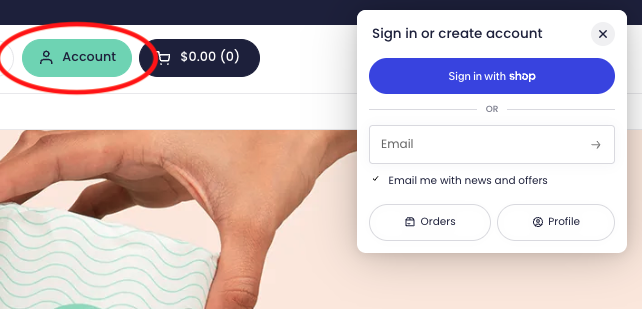
Step 2: We’ll send you your 4-digit code for passwordless login to the email address associated with your account.
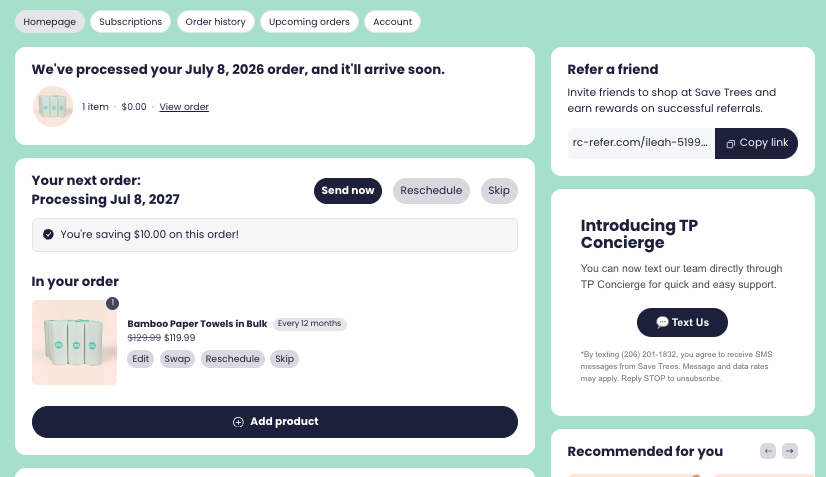
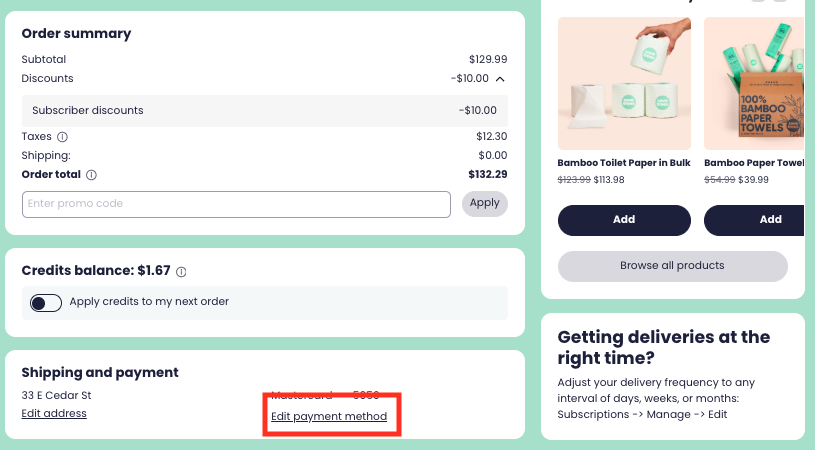
Step 3: Click on “Edit Payment Method” on the very bottom of the page. From there, you can add a new payment method.
If you have a subscription but you can’t login to your account, please reach out to [email protected] and we will be happy to help you!