.png)
How can I skip or reschedule or skip upcoming order?Updated 3 months ago
Step 1: Log in to your Save Trees account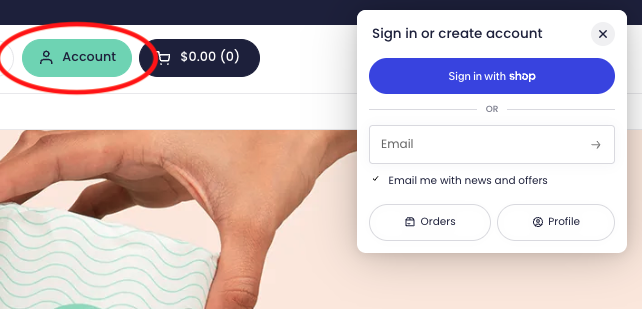
Step 2: We’ll send you your 4-digit code for passwordless login to the email address associated with your account.
Step 3: Once logged in, click on "Reschedule" or "Skip".
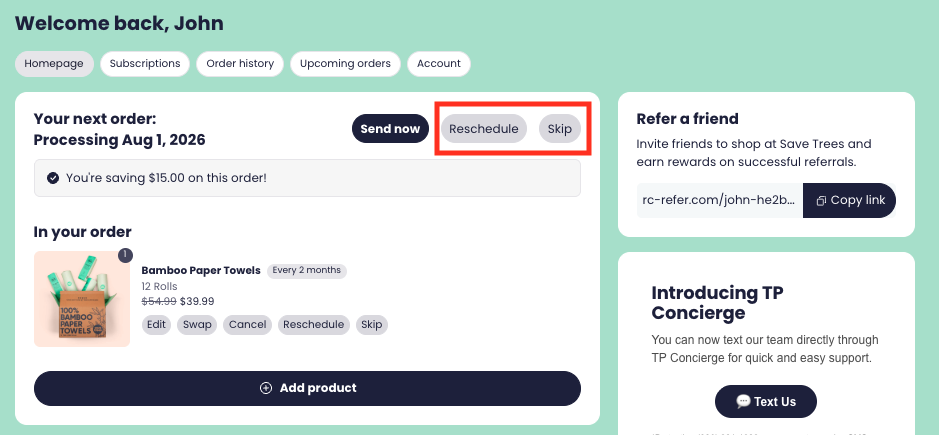
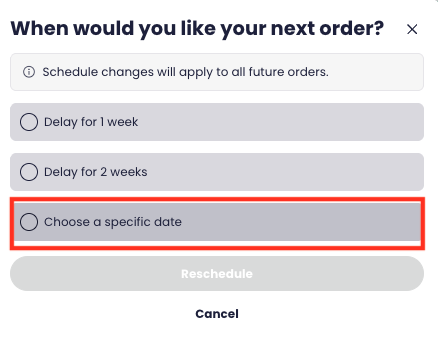
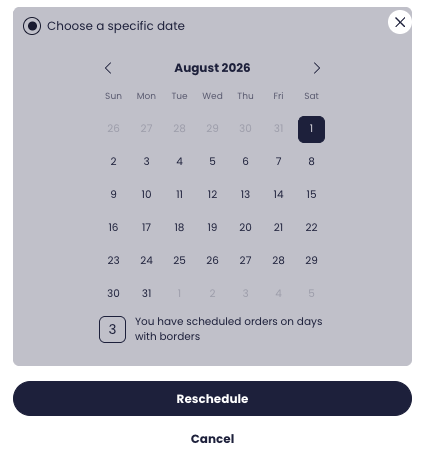
Step 4: If you choose to "Reschedule" you can "Choose a specific date"
If you need further assistance, or cannot login to your account, please contact [email protected] and we will be glad to assist you!