.png)
How can I manage my subscription & deliveries?Updated 4 months ago
Your account is automatically created when you place your first order with us. From the login page, you'll need to enter your email, receive the code, and enter the code to log in. Please see the steps below:
Step 1: Log in to your Save Trees account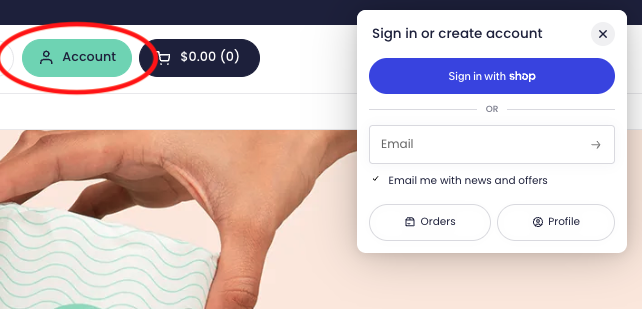
Step 2: We’ll send you your 4-digit code for passwordless login to the email address associated with your account.
We'll always send an upcoming order email 3 days before we ship your next order. You’re free to delay orders right from your account page. We're always happy to help at [email protected]