.png)
How can I adjust my shipping schedule/frequency?Updated 3 months ago
Step 1: Log in to your Save Trees account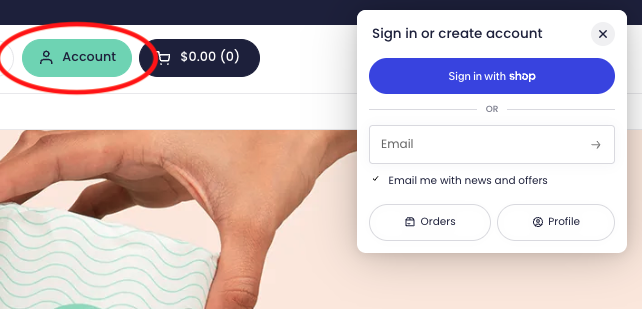
Step 2: We’ll send you your 4-digit code for passwordless login to the email address associated with your account.
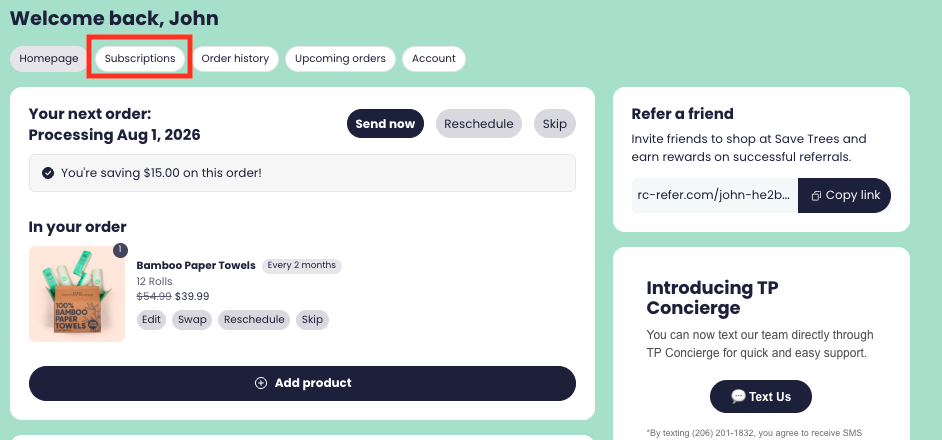
Step 3: Click "Subscriptions" at the top.
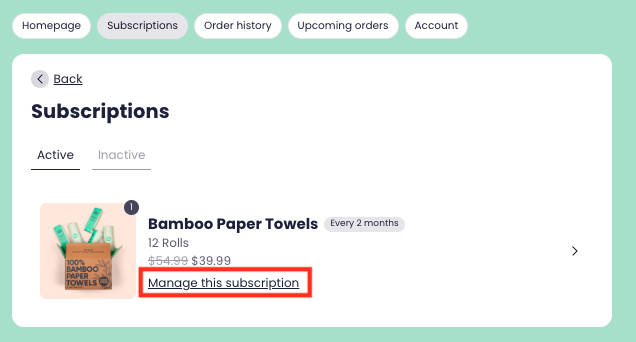
Step 4: Click “Manage this subscription” on the subscription you want to make changes to.
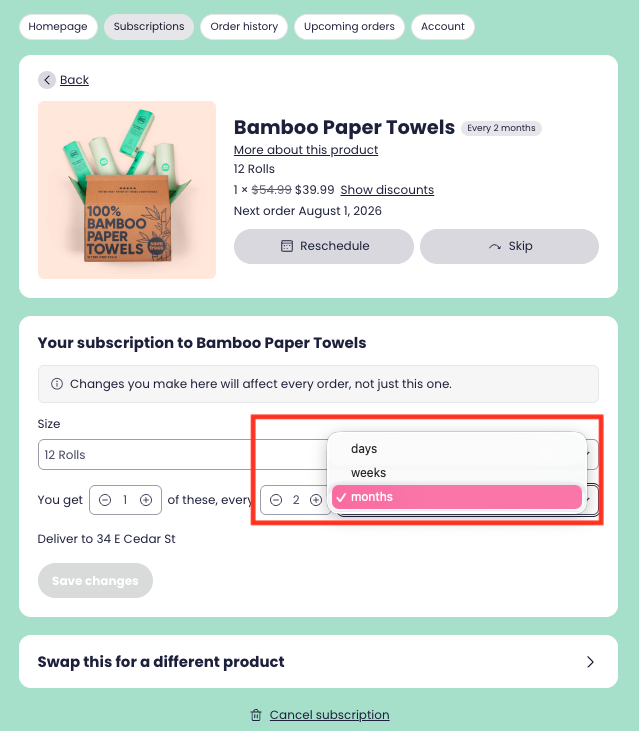
Step 5: Choose your preferred interval and frequency then save your changes.
*If you're overloaded, consider setting your delivery frequency to every 6 months or longer. This way you can use the 'Send Now' button in the customer portal to order as needed.
If you need further assistance or cannot log in to your account, please contact [email protected] and we will be glad to assist you!